Locating the Attribute Selector and Custom Attributes > Viewing Attributes on HUB
Last updated: September 16, 2026
Select the SOV
Open the Attributes Panel
-On the right-hand side of the screen, locate the Attributes tab.
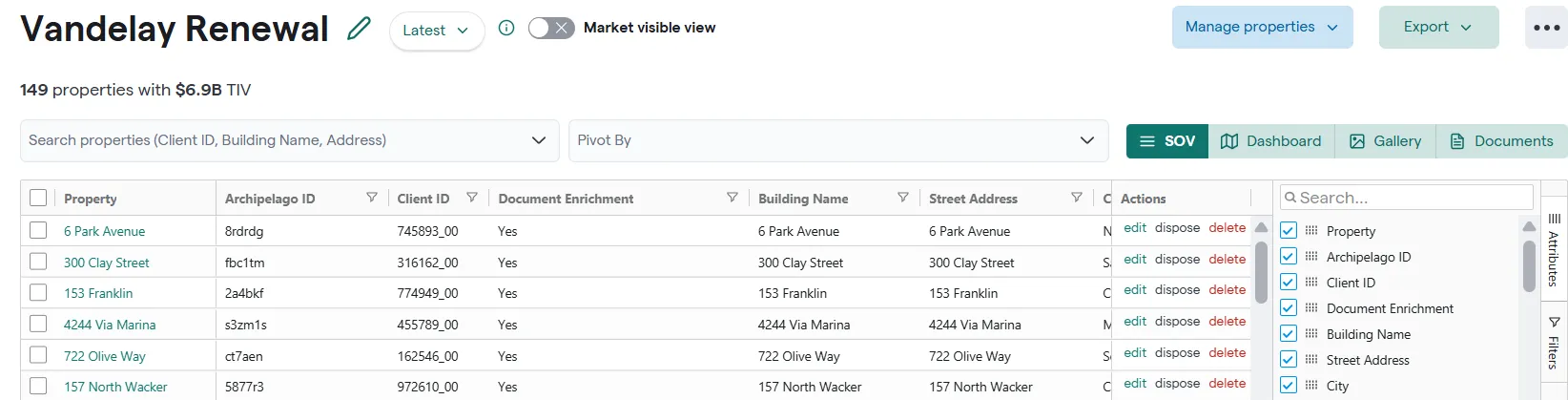
3. Select or Deselect the Attribute
-Use the search bar at the top of the Attributes panel to type the name of the attribute.
-Use the checkbox to select or deselect which attributes you want visible.
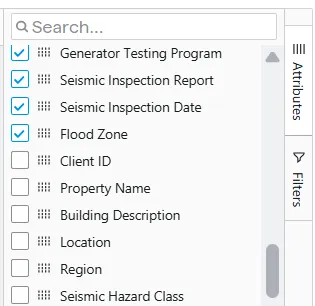
Tip: You can reorder attributes by selecting the panel next to the attribute name.