Group properties
Last updated: July 9, 2026
Group properties using an attribute you specify. This can help you quickly find properties and understand property data at a higher level.
In a portfolio, click the Pivot by dropdown menu.
Select the attribute you want to group by.
Expand each group to see the properties that belong to it. You can also see summary metrics for each group. The example below shows Grouping by Specific Occupancy.
Hover over each rounded value and chat to see the exact value.
To clear a grouping, click x next to the Pivot by dropdown.
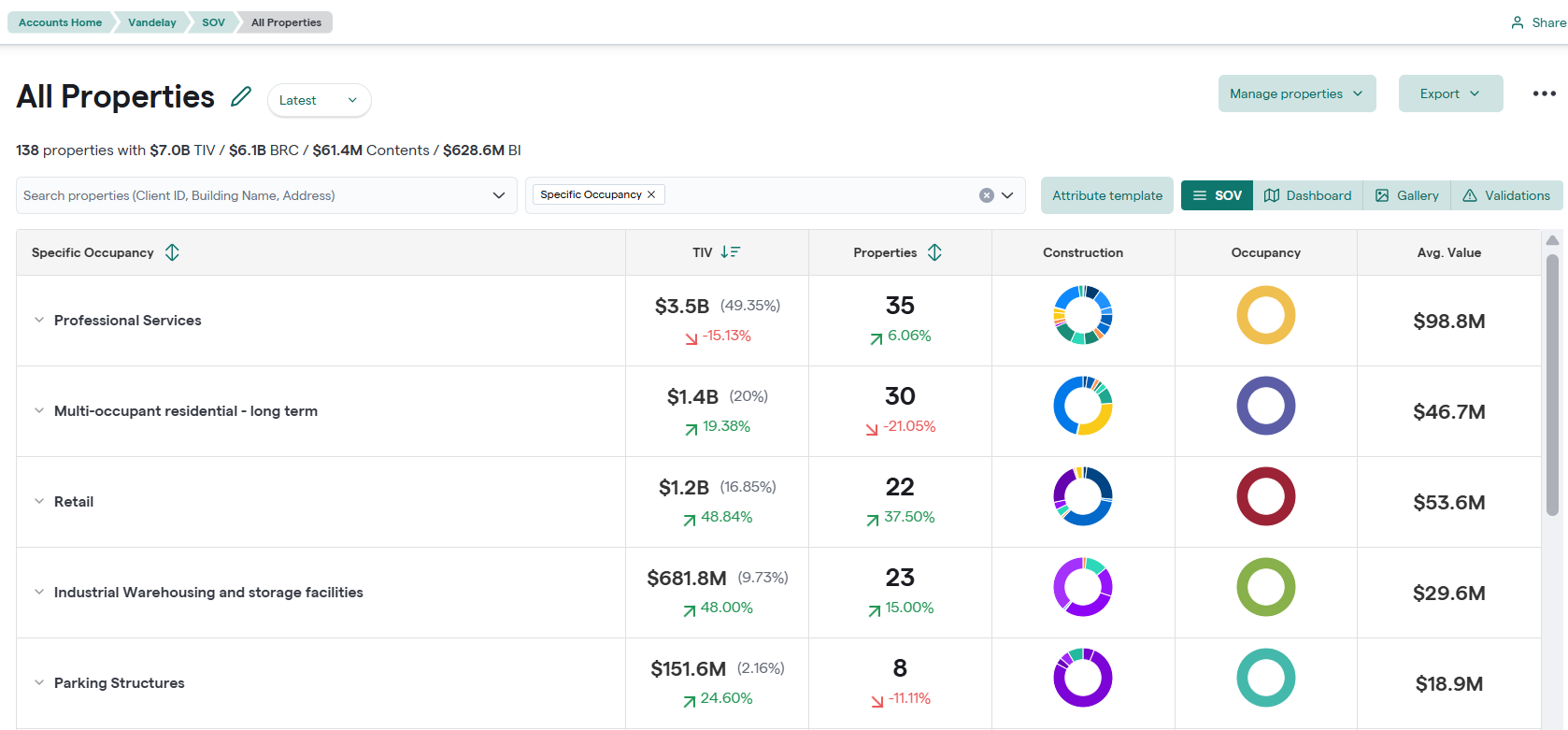
Group Properties By Specific Occupancy