Restore Deleted and Restore Disposed Properties
Last updated: June 30, 2026
You can restore both deleted and disposed properties directly from Views. Follow these steps:
1. Go to SOVs
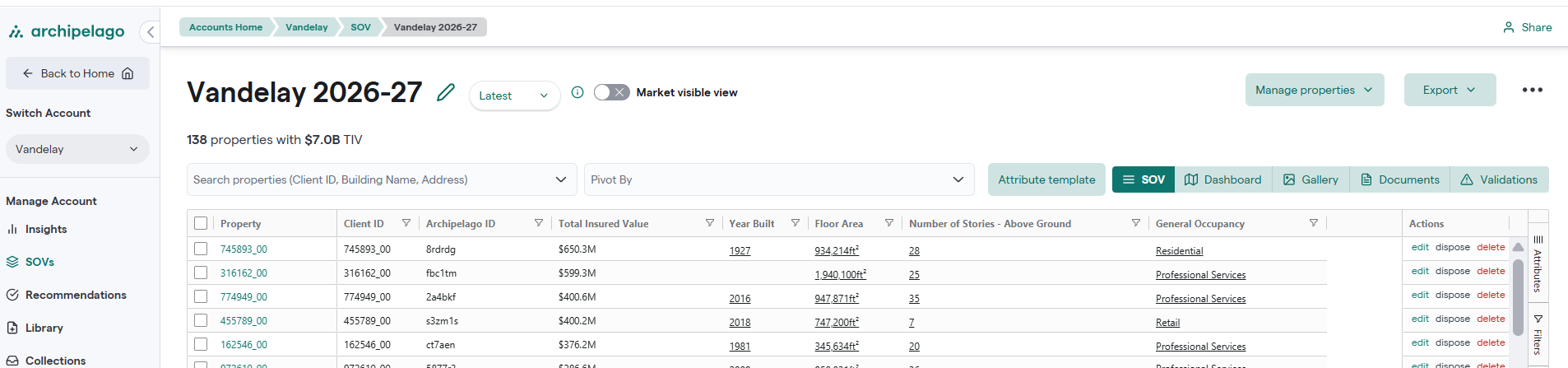
2. Select the relevant SOV
3. Click Manage Properties (top right)

4. Choose Restore Deleted Properties
5. Use the filters to locate the properties you want to restore
6. Select the properties and click Restore
Note: If you don’t see the properties under "Deleted Properties," try checking under "Restore Disposed Properties" instead.