Dispose of properties
Last updated: July 9, 2026
If a property is no longer part of your SOV, dispose of it to remove it from your current views and reports. Disposed properties will still be available in historical snapshots and when doing snapshot comparisons.
Dispose Properties (Video)
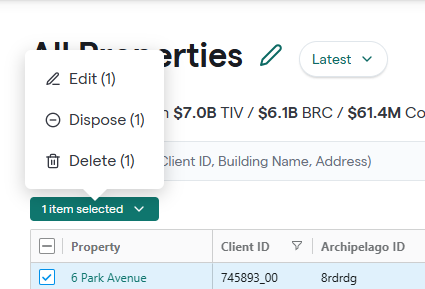
In All Properties, select the checkbox next to the Property you wish to dispose of
Click on Item Selected and Choose Dispose
It can take about 20 minutes for the platform to process the disposed property and update relevant views.
Archipelago does not delete your data; it just marks the property as disposed and removes it from the current SOV data view.